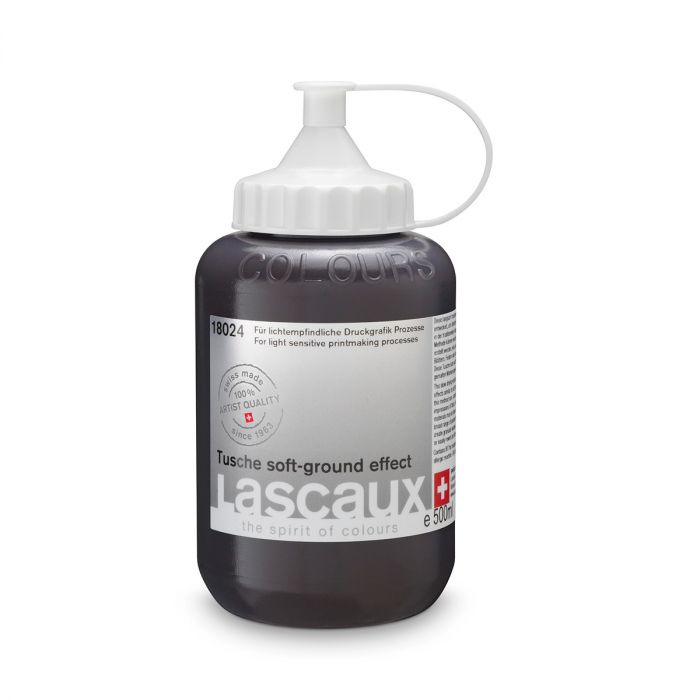
What Is Lascaux Tusche Soft Ground Effect
Lascaux Tusche Soft Ground Effect is a water-based tusche designed to replicate the principle of traditional soft ground, applied to the creation of autographic positives. Its formulation allows the treated surface to remain slightly receptive for a controlled period, enabling texture transfer through contact and pressure.
This product acts as a bridge between classical printmaking techniques and contemporary photomechanical workflows, significantly expanding the graphic vocabulary of hand-made positives.
How Soft Ground Effect Behaves: Transfer and Texture
Temporarily receptive surface
After application, the tusche creates a sensitive layer that accepts imprints before fully drying.
Contact-based texture transfer
It allows the capture of:
-
fabrics
-
textured papers
-
leaves
-
meshes
-
organic objects
using hand pressure or a roller, creating direct imprints on the positive.
Rich and organic texture
Transferred textures retain irregularities, voids and tonal variations that add depth and graphic character.
Combination with other Tusches
It can be combined with:
-
Tusche Wash (washes)
-
Tusche Wash Spray (atmospheres)
-
Tusche Waterproof (stable resists)
-
Tusche Water-Soluble (post-intervention)
to create complex, layered positives.
Main Applications
-
Screen printing positives: transferred textures, organic backgrounds, imprints and hand-made patterns.
-
Lithography and related techniques: reinterpretation of classic soft ground effects within photomechanical workflows.
-
Photogravure and photopolymer: plates with tactile texture and tonal variation.
-
Artistic offset and zincography: incorporation of physical imprints into autographic drawing.
-
Creative cyanotype: positives with organic imprints and material presence.
-
Experimental techniques: transfer of unconventional materials.
Advantages Over Other Photolith Solutions
Compared to digital textures
Imprints are real, physical and unique—not simulated through filters or halftones.
Compared to direct drawing
Allows the inclusion of external materials beyond the artist’s gesture, expanding graphic language.
Compared to traditional soft ground methods
Avoids the use of greasy waxes or varnishes and integrates directly into photomechanical workflows.
How to Use Lascaux Tusche Soft Ground Effect
1. Apply the tusche onto the transparent support
Recommended:
Apply an even layer using a soft brush or roller.
2. Allow to air-dry slightly
Wait until the surface is receptive but not fully dry.
3. Place the material to be transferred
Position fabrics, papers or objects onto the treated surface.
4. Apply pressure or roll
Use hand pressure or a roller to transfer the texture.
5. Remove the material and allow to dry
The imprint remains registered on the positive.
6. Expose
Carry out exposure tests according to the density of the transferred texture.